

If you’re starting video editing or already working in post-production, you’ve probably wondered: Should I use Adobe Premiere Pro or After Effects?
If you’re new to Adobe’s editing ecosystem, start with this overview of what Adobe Premiere Pro is and what it’s used for to better understand its core strengths.
If you're also comparing Premiere Pro with other major editing tools, here’s how it performs against DaVinci Resolve Studio in terms of color grading, workflow, and performance.
The Premiere Pro vs After Effects Dilemma
Both are industry-standard tools, both are part of Adobe Creative Cloud, and both are used by professionals worldwide. But they serve different purposes. Choosing the right one depends on whether you want to edit videos or create motion graphics and visual effects.
You can also explore how Premiere Pro stacks up against Final Cut Pro if you're working on Mac and considering Apple’s ecosystem.
This guide provides a side-by-side comparison so you’ll know exactly when to use Premiere Pro, when to use After Effects, and how they can work together.
Adobe Premiere Pro vs After Effects
When to Use Premiere Pro

- Editing interviews, YouTube videos, documentaries
- Organizing footage into timelines
- Applying basic transitions and titles
- Delivering final video exports
💡 Premiere Pro is your video editor — it’s where the story comes together.
And if you’re editing short-form content, Premiere Pro also competes closely with mobile-first tools like CapCut — especially for social-media-focused workflows.
When to Use After Effects
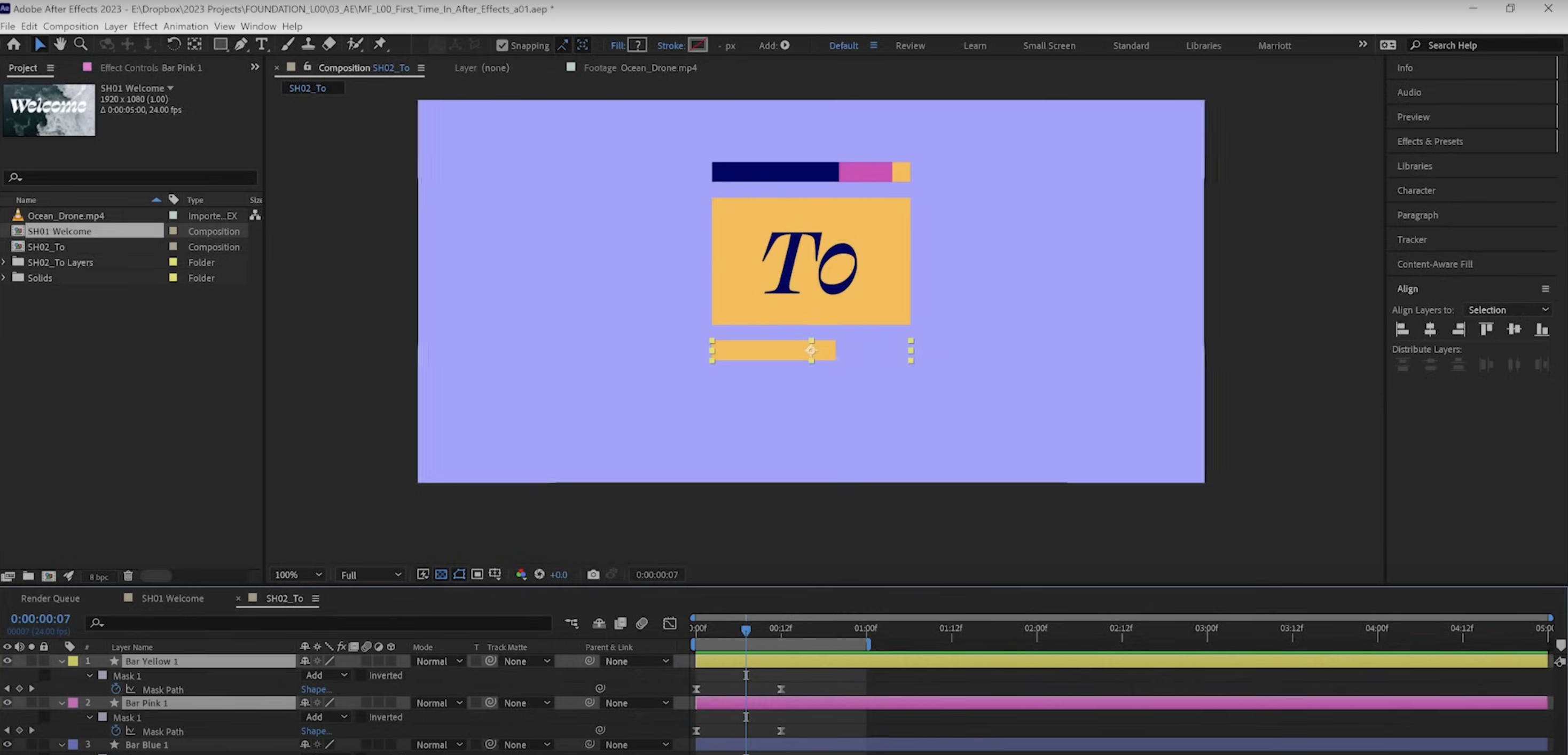
- Designing animated intros/outros
- Adding advanced visual effects (tracking, explosions, light leaks)
- Compositing green screen shots
- Creating kinetic typography and motion graphics
💡 After Effects is your motion design tool — it’s where the magic happens.
Want a head start in motion graphics? Try creating the frame slide effect in Premiere Pro — a simple yet dynamic technique before you move into After Effects-level animation.
How Premiere Pro and After Effects Work Together
One of Adobe’s biggest strengths is how these two apps integrate:
- Dynamic Link: Send sequences from Premiere to After Effects without rendering.
- Shared Projects: Edit in Premiere, add effects in After Effects, then return seamlessly.
- Creative Cloud Libraries: Share assets (logos, templates, graphics) across apps.
This workflow allows editors and motion designers to collaborate efficiently.
Which One Should You Choose?
- Choose Premiere Pro if your main focus is video editing and storytelling.
- Choose After Effects if your main focus is motion graphics and effects.
- Ideally, learn both — they complement each other perfectly.
Not sure whether Premiere Pro is worth the investment long-term? This guide breaks down whether Premiere Pro is free or not and all the available options.
Conclusion: Premiere Pro vs After Effects
So, Adobe Premiere Pro vs After Effects — which is better?
The truth is: neither is “better” overall. Premiere Pro is for editing, After Effects is for motion design.
Used together, they create a powerful pipeline that covers everything from editing to Hollywood-level VFX.
👉 Ready to master them both? Join our advanced Adobe Premiere Pro course and learn how to integrate Premiere with After Effects for the ultimate editing workflow.



